Fix damaged photos: tears, stains, scratches and ink
A photo kept in a shoebox for fifty years picks up damage. Genizes fixes the most common kinds from a simple phone picture of the print.
Start with one old photo
Drag a photo or scan here
JPEG, PNG, WebP or HEIC
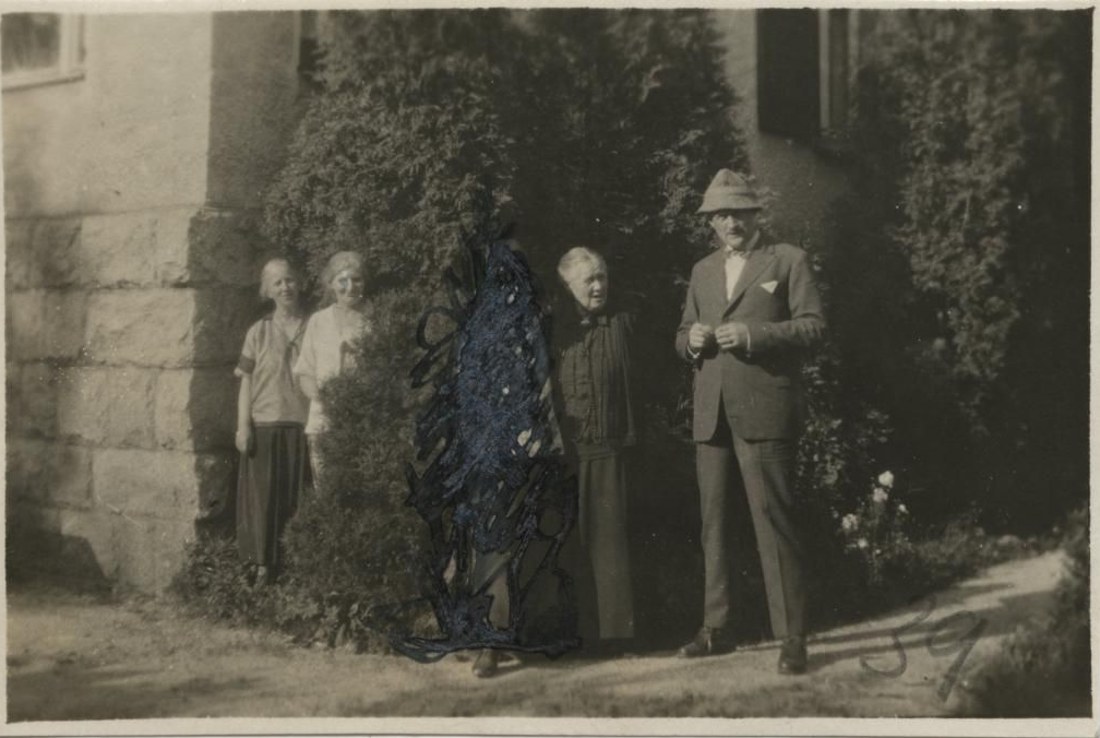
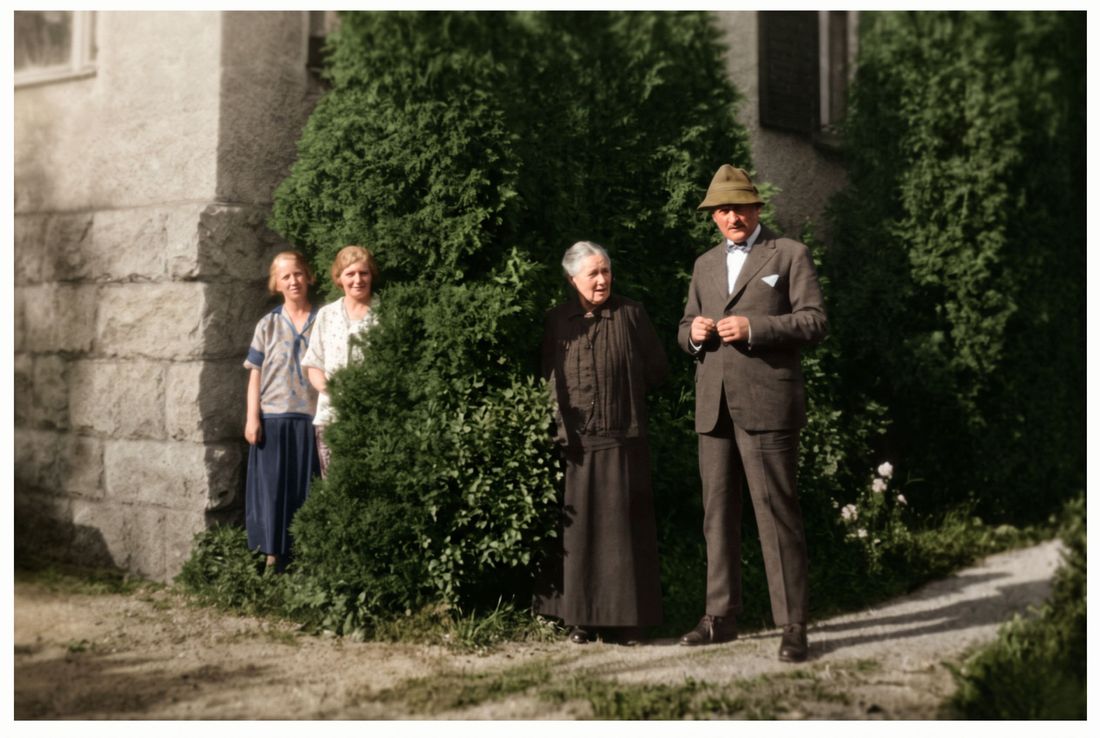
The damage we see most
Tears and creases from folding, water stains from damp basements, scratches and dust, silvering on old prints, and pen or ink marks. Someone scribbled over the 1920s photo above; the restored version removes the ink and the fading.
Photograph it well
Lay the print flat near a window, turn off the flash and tilt the phone slightly if you see glare. Fill the screen with the photo. A torn photo can be laid with the pieces touching; the repair works across the gap.
Where AI has limits
If a face is torn away or covered by a stain, the AI rebuilds it from what remains. It will look natural but may not be exactly the person. Compare with the original, which stays your reference.
How it works
Take a picture of the print
Use your phone's camera or upload a scan. Lay the photo flat, avoid glare, and fill the frame.
We repair it
AI removes damage, sharpens faces and adds color. You see a free preview in about half a minute.
Keep it or bring it to life
Download the full-size photo, or turn it into a short clip with gentle, natural movement.
Questions
Can a photo torn in two be fixed?
Yes. Lay the pieces together on a table and take one picture; the tear line is repaired.
What about a missing corner?
Missing areas are filled in to match the rest. Backgrounds work very well; faces are harder.
Do I need a scanner?
No. A phone picture works. A scan at 600 dpi or more gives slightly sharper results.
Pay once. Keep forever.
One photo
$3.99
$3.99 per photo
- 1 full-size photo
- 1 animation
Starter
$9.99
$2.00 per photo
- 5 full-size photos
- 2 animations
- Best for families
Family
$29.99
$1.20 per photo
- 25 full-size photos
- 5 animations
Archive
$79.99
$0.80 per photo
- 100 full-size photos
- 15 animations