Fix blurry old photos and bring faces back into focus
Old cameras, a shaky hand or a small print can leave a photo soft. Genizes sharpens the picture and the faces in it, and repairs scratches and fading at the same time. The preview is free.
Start with one old photo
Drag a photo or scan here
JPEG, PNG, WebP or HEIC
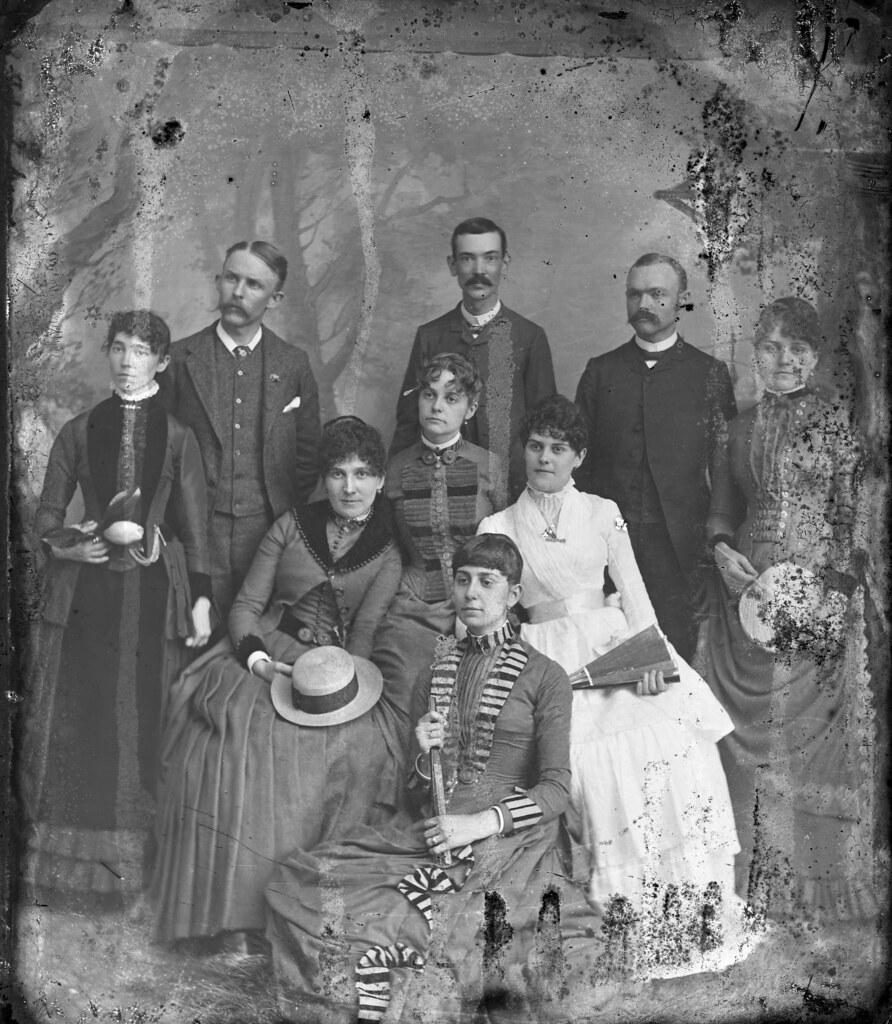
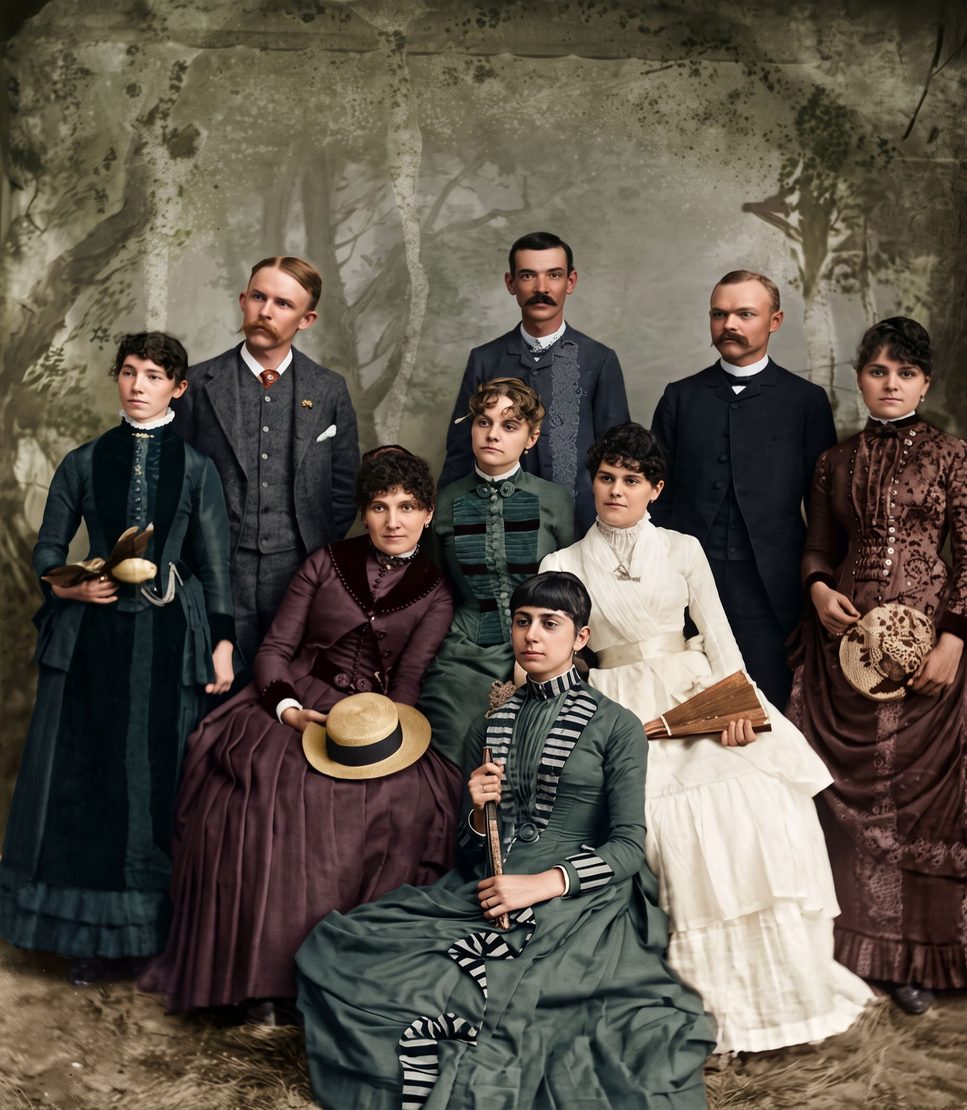
What gets sharper
Soft outlines, fuzzy eyes and hair, blurred clothing and the grain of an old print. Small faces in group photos, like the 1880s family above, are where it helps most: each face is cleaned up on its own.
A photo of a photo can add its own blur. Take the picture in daylight, hold the phone steady and straight above the print, and keep the sharpest of two or three shots.
Honest about very blurry faces
When a face is only a few dots or a smudge, there is not much detail left to recover. The AI then draws a face that fits what it can see: it will look natural, but it is its best guess, not a recovered likeness. Every result carries a note saying the AI filled in missing parts.
Compare the restored face with the original. If it doesn't look like the person, use the free second try that comes with every photo.
Keep the original
Your print is never touched. You get a new, sharper copy to download or share, and the original stays your reference.
How it works
Take a picture of the print
Use your phone's camera or upload a scan. Lay the photo flat, avoid glare, and fill the frame.
We repair it
AI removes damage, sharpens faces and adds color. You see a free preview in about half a minute.
Keep it or bring it to life
Download the full-size photo, or turn it into a short clip with gentle, natural movement.
Questions
Can it fix any blurry photo?
Mildly soft photos improve the most. A very blurry face is rebuilt by AI, so it may not look exactly like the person.
Does it work on tiny faces in a group photo?
Yes, each face is sharpened. The smaller the face, the more the AI has to fill in, so check each one against the original.
Is it free?
The preview is free and needs no account. A credit unlocks the full-size photo without a watermark; credits start at $3.99, which also includes one animation.
Will it add color?
Only if you want it to. Turn off “Add color” and the photo is sharpened and repaired but stays black and white.
Pay once. Keep forever.
One photo
$3.99
- 1 full-size photo
- 1 animation
Starter
$9.99
- 5 full-size photos
- 2 animations
- Best for families
Family
$29.99
- 25 full-size photos
- 5 animations
Archive
$79.99
- 100 full-size photos
- 15 animations