An alternative to MyHeritage's photo tools
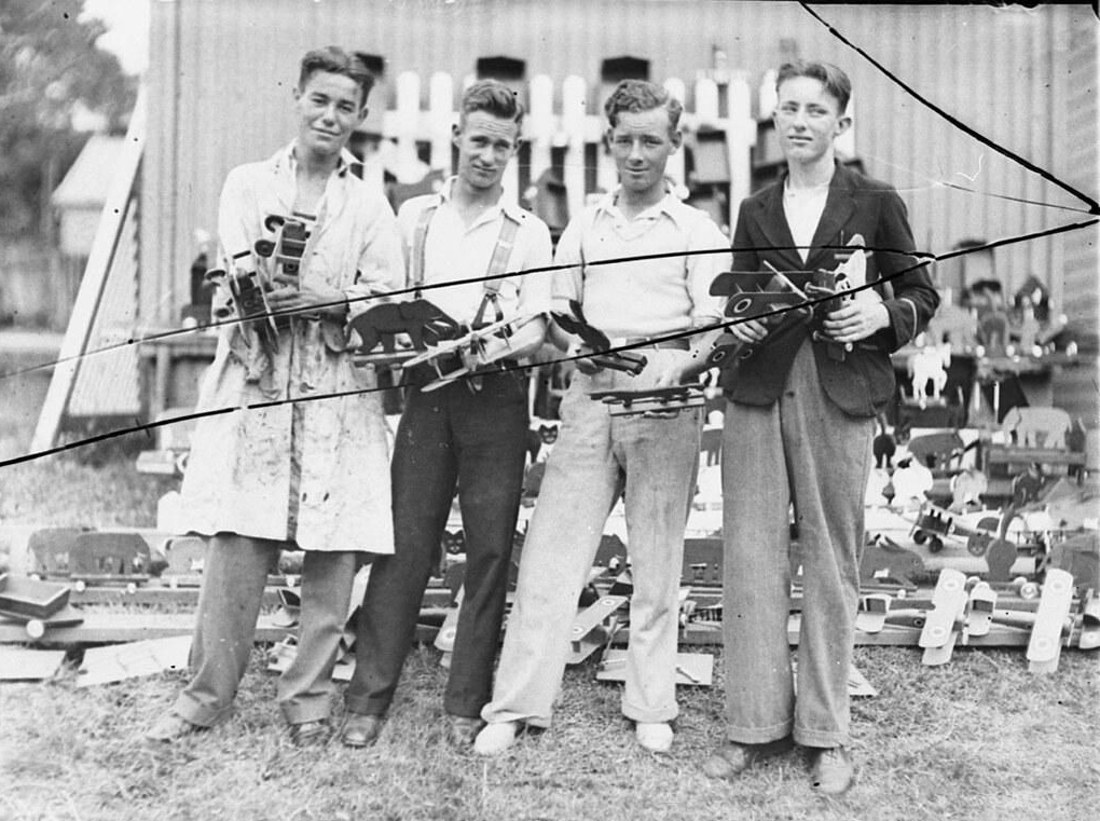
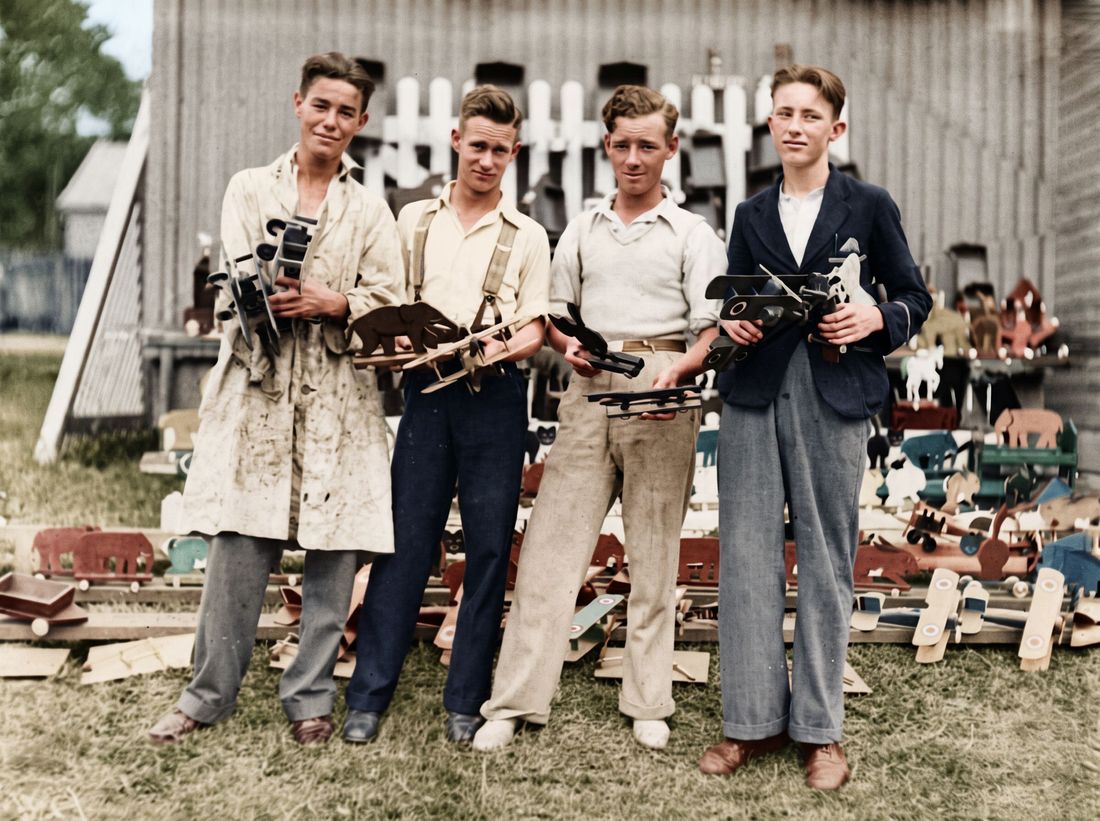
Restore your first photo for free
Create a free account in a few seconds, then upload your photo. Your preview is ready in about 30 seconds.
- 1Create your free account
- 2Upload your old photo
- 3See your preview
Google or a 6-digit code by email. No password.
MyHeritage and Genizes both restore, colorize and animate old family photos. They are set up differently. Here are the plain facts, so you can pick what suits you.
How MyHeritage works (as of October 2026)
According to MyHeritage's help pages, its photo tools (Photo Enhancer, In Color and Deep Nostalgia and LiveMemory) give a few free uses, and you need to create a free account before a photo is enhanced. Free colorized photos carry a watermark.
Using them beyond the free tries needs one of MyHeritage's paid plans. Its blog listed a Photo plan at $49.90 a year in November 2024, and LiveMemory videos are limited per year on paid plans. Prices and limits can change, so check MyHeritage's site for current details.
How Genizes is different
You sign in with Google or a 6-digit code by email, no password, and see a free preview of your restored photo. If you want to keep it, you pay once, from $3.99, with no subscription. That smallest pack includes one full-size photo and one animation, and credits don't expire.
The whole site is available in English, French, Portuguese and Spanish. We never use your photos to train AI or in our marketing.
Which one to choose
MyHeritage is a great choice if you also want family-tree and DNA features in the same place. If you just want to restore, colorize or animate a few photos and pay once, with no subscription, Genizes may be simpler. Try a free preview and judge the result yourself.
How it works
Take a picture of the print
Use your phone's camera or upload a scan. Lay the photo flat, avoid glare, and fill the frame.
We repair it
AI removes damage, sharpens faces and adds color. You see a free preview in about half a minute.
Keep it, print it or bring it to life
Download the full-size photo, order it printed and framed, on Christmas cards or on a glass ornament, or turn it into a short clip.
Questions
Do I need an account to try Genizes?
Yes, a free account. You sign in with Google or a 6-digit code by email, no password. Your first preview is still free.
Is there a subscription?
No. You buy a pack of credits once, from $3.99. Credits don't expire.
Is an animation included?
Yes. Every pack includes at least one animation, a 5-second clip with gentle movement.
Is Genizes better than MyHeritage?
We won't claim that. Both use AI, and results depend on the photo. The free preview lets you compare for yourself.
Pay once. Keep forever.
One photo
Launch offer: 20% off$3.19
First purchase only · until November 30$3.99- 1 full-size photo
- 1 animation
- Best value
Starter
Launch offer: 20% off$7.99
First purchase only · until November 30$9.99- 5 full-size photos
- 2 animations
Printed gift
From $19.00
Free delivery to the US and Canada · taxes included
- Framed print, Christmas cards or glass ornament
- Includes the full-size photo
- Delivered to you or to them