A photo stuck to the glass: save the picture before you try to free it
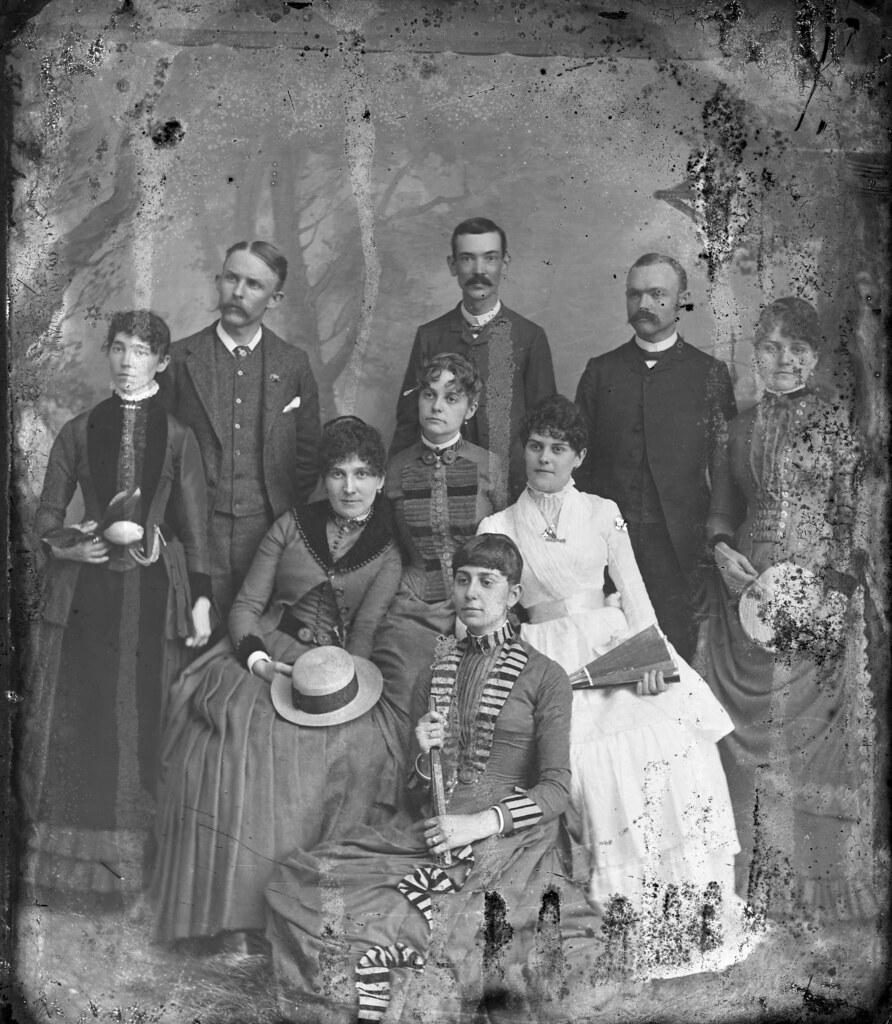
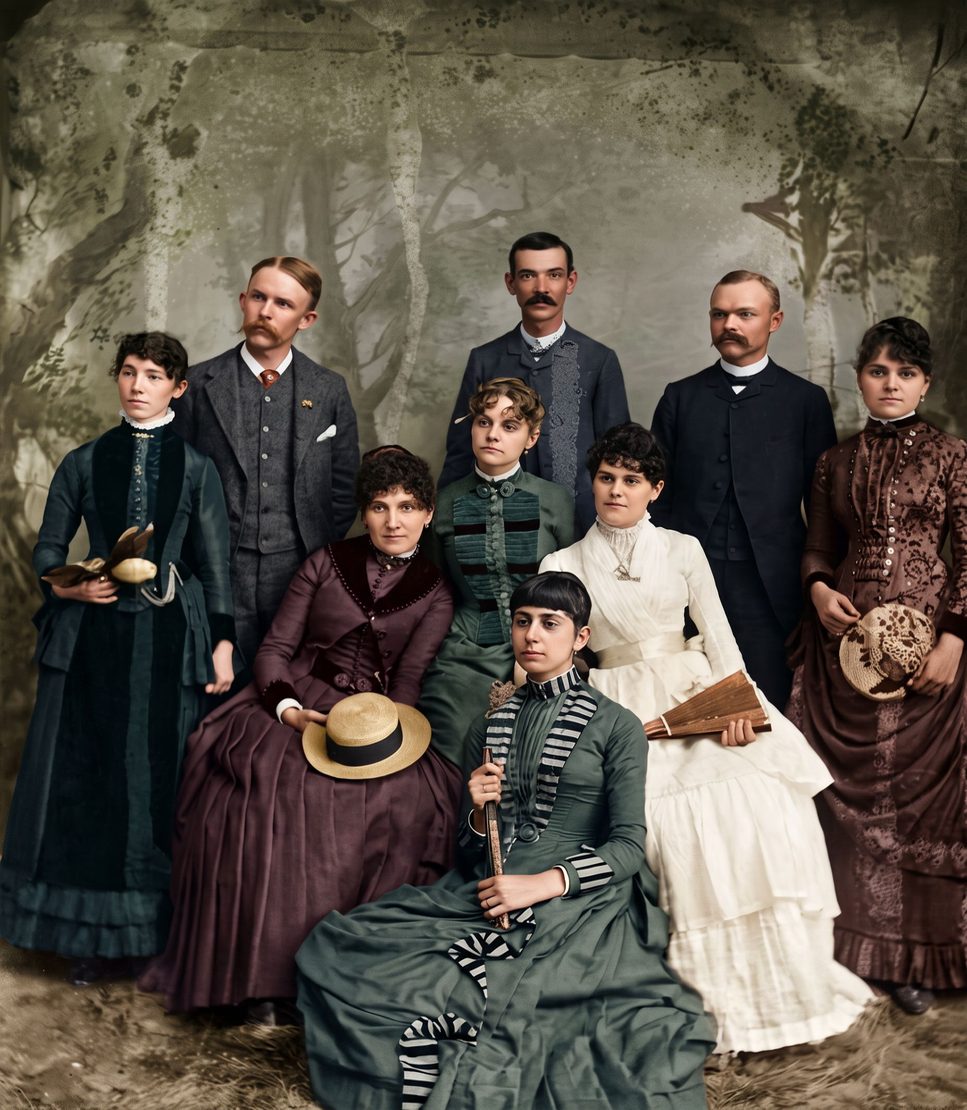
Start with one old photo
Drag a photo or scan here
JPEG, PNG, WebP or HEIC
Your original is never changed. Free previews are deleted after 30 days. We never use your photos to train AI.
Don't pull it off. Take a picture of it through the glass with your phone, and Genizes repairs the stains, marks and fading in about 30 seconds. Your first preview is free, and the print stays exactly as it is.
Why you shouldn't peel it
When a print gets damp inside a frame, the image layer can bond to the glass. Pulling it off usually leaves part of the picture on the glass, and that part is gone for good. Photos stuck to each other in an album, or stuck together after a flood, tear the same way.
Whatever you decide to do with the print later, save the image first. A good picture of it, taken through the glass, keeps everything that is still there.
How to photograph it through the glass
Turn off the ceiling light and the flash, and stand near a window with indirect daylight. Hold the phone straight above the frame, or tilt it slightly until no reflection crosses the photo. A dark sweater or cloth behind you removes most of the remaining glare.
Fill the screen with the photo, tap on a face to focus, and take two or three pictures. Upload the sharpest one. A scan through the glass works too.
What the restoration can and can't do
Genizes removes stains, tide marks, spots and fading, sharpens faces and can add natural color. Where part of the picture is already missing, the AI fills it in so the photo looks whole. That part is a reconstruction, not a recovered detail, and every result says so.
If the print itself matters to you, for example a one-of-a-kind portrait, ask a photo conservator before trying to separate it. Water, heat and solvents can make the damage worse.
How it works
Take a picture of the print
Use your phone's camera or upload a scan. Lay the photo flat, avoid glare, and fill the frame.
We repair it
AI removes damage, sharpens faces and adds color. You see a free preview in about half a minute.
Keep it, print it or bring it to life
Download the full-size photo, order it printed and framed, on Christmas cards or on a glass ornament, or turn it into a short clip.
Questions
Can I restore it without taking it out of the frame?
Yes. Take the picture through the glass. That is the safest way: the print isn't touched at all.
What about photos stuck together?
Don't force them apart. If one side shows, photograph it; if they come apart later, photograph each one as soon as you can, even with damage, and restore the picture.
How much does it cost?
Your first preview is free. To download the full-size photo without a watermark, you use one credit, from US$3.99. You can also order it framed, on Christmas cards or on a glass ornament.
Will it look like the original?
Faces are kept true to the person, and every photo includes one free second try if a face doesn't look right. Parts that were lost are rebuilt by AI, and the result says so.
Pay once. Keep forever.
One photo
Launch offer: 20% off$3.19
First purchase only · until November 30$3.99- 1 full-size photo
- 1 animation
- Best value
Starter
Launch offer: 20% off$7.99
First purchase only · until November 30$9.99- 5 full-size photos
- 2 animations
Printed gift
From $19.00
Free delivery to the US and Canada · taxes included
- Framed print, Christmas cards or glass ornament
- Includes the full-size photo
- Delivered to you or to them